1/32 slot car layout designer
From layout to table.
Design your layout piece by piece, get the exact list of pieces to buy and the cutting plan for your table. Free, no account, right in your browser.
- Free, no ads
- No account
- Six languages
Three steps to a layout ready to build
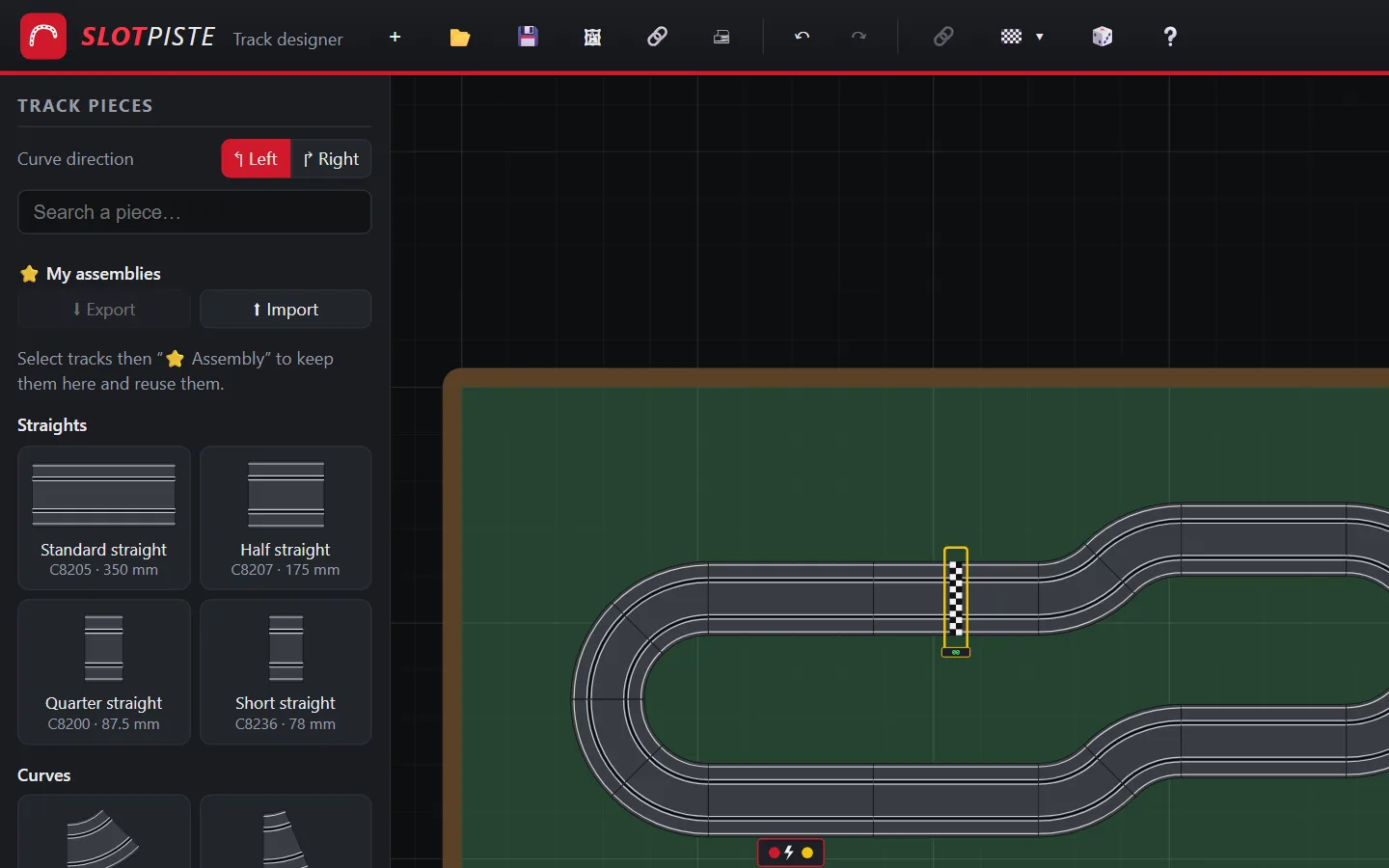
01
Draw
Click a piece in the catalogue and it clicks onto the end of the previous one. Tracks snap together, the loop closes at the press of a key and borders suggest themselves.
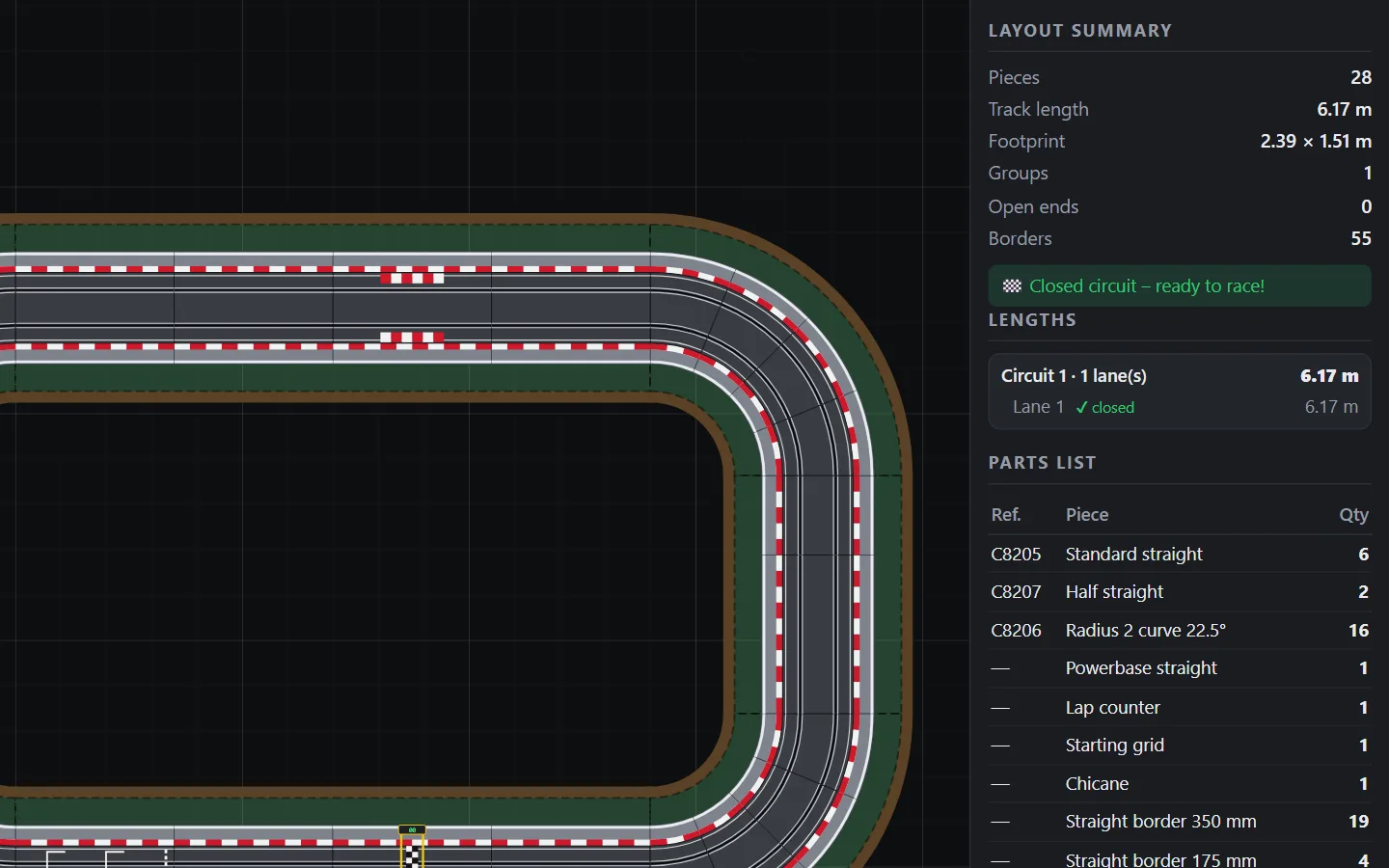
02
Count
The parts list stays up to date, with part references. You also see the length of each lane, the footprint of the layout and any open ends.
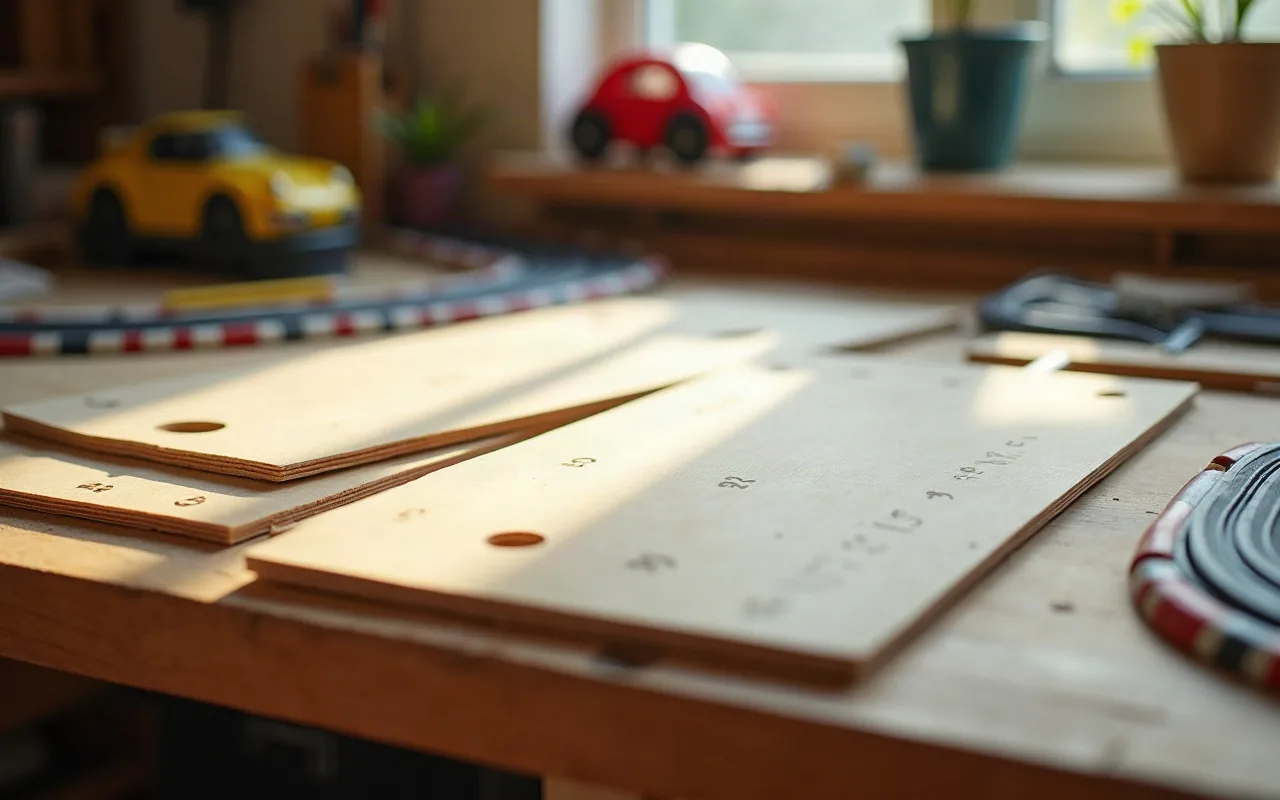
03
Build
Choose a rectangular, L, U, T, Z or S-shaped table, or a custom one. SlotPiste plans ramps and bridges, then cuts the boards from standard panels.
It almost builds itself
Repetitive tasks are automated: you spend your time imagining the layout, not lining up pieces.

Snapping
Bring one end close to another and the tracks snap together. An assembled group moves as a single block.

Close the loop
Open layout? One key suggests adding or replacing one or two pieces to join the two ends.

Borders in one click
Hover over the edge of a track: the border appears in green, and one click places it. Or add all the borders at once.

Random circuit
Choose the number of lanes, the length, the level and the marshals: SlotPiste generates a playable layout, with a bridge if you want one.

Lanes, bridges and crossings
Tracks sit side by side, crossings go over or under, and each lane shows its length.

My assemblies
Keep your favourite sequences aside and reuse them with a simple drag and drop.
And also: sharing a circuit with a link, undo and redo, image export, printing, keyboard shortcuts, an interface in six languages.
Custom table
Your table, board by board
SlotPiste draws the table around your layout, plans ramps and clearance under the bridges, then cuts it into numbered boards dimensioned to the millimetre.
- The width of each board is shown, along with arm’s reach: every track stays accessible
- The centre of the loops stays open to reach the layout
- Cut from 2440 × 1220 mm panels
- Plan to print or download as a to-scale SVG
| Boards | Shape | Dimensions (mm) |
|---|---|---|
| 1 and 8 | Straight | 1400 × 368 |
| 4 and 5 | Straight | 525 × 368 |
| 2, 3, 6 and 7 | 90° curve | inner R 186 · outer R 554 |
Free. Really.
No subscription, no paid version, no ads. No account either: you save your layouts to a file on your computer.
- All features
- No sign-up
- No ads

Frequently asked questions
Is SlotPiste really free?
Yes. All features are free, with no account and no ads.
Which track pieces are available?
Sport 1/32 pieces: straights, R1 to R4 curves, special pieces (powerbase, lap counter, starting grid, chicane, lane change, crossovers) and borders, with their references. Other brands are planned.
Where are my layouts saved?
Save creates a file that you keep on your computer, and Open reloads it. The current layout is also kept in your browser. No account is needed.
Can I print my layout and my table?
Yes: the layout can be printed or exported as an image, and the cutting plan can be printed or downloaded as a to-scale SVG.
Which languages are available?
French, English, Spanish, German, Italian and Portuguese, for the app and for this site.
Who publishes SlotPiste?
Arkium SComm, a company based in Brussels. SlotPiste is an independent project with no link to track manufacturers: part references are given to help you buy the right ones.
Your next layout starts here.
Nothing to install: the app opens in your browser.
Open the app